

Purpose:
Used to show.
Overview:
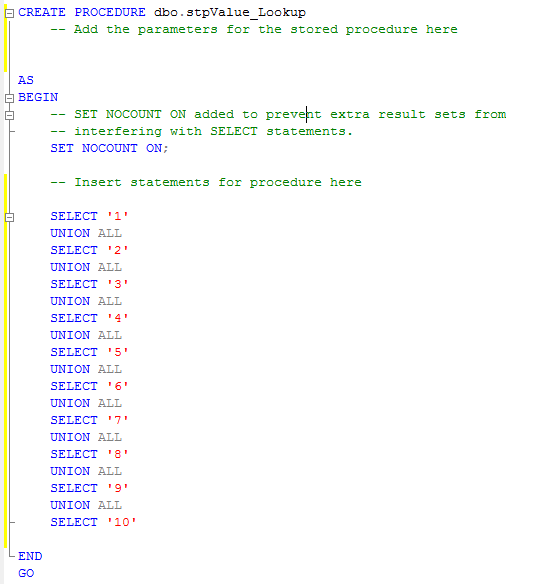
A Lookup requires a stored procedure that returns multiple values or columns
If the stored procedure contains parameters, these become the Lookup Parameters
Usage:
A Lookup is used by attaching it to an Action Parameter. If the Lookup contains Lookup Parameters, these can be mapped to other parameters or defaulted.
Configuration:

Lookup Name:
The name by which the Lookup will be known within FrameworX.
(Hint) Use meaningful names as this will help identify the Visible when used elsewhere in FrameworX..
Database Connection:
The Database Connection containing the stored procedure to be used for the Lookup.
Stored Procedure:
The name of the stored procedure to be used for the Lookup.
The last select in the stored procedure becomes the result of the Lookup.
Value Field:
This is the value of the Lookup that is passed through.
Display Field:
This is the value that is displayed in the Lookup.
Hide Value Field:
This toggles whether or not the value field is displayed in the Lookup.
Cached:
Switches caching on or off for the Lookup result based on Lookup Parameter combinations.
Cache Lifetime:
If caching is enabled, the lifetime (in seconds) determines how long the Lookup result is held in cache. A value of 0 causes the Lookup result to be held in the cache permanently for the Lookup Parameter combination.